Host networking events on a 3D virtual event platform
Give your guests a venue where they actually meet. Pick a 3D venue, name the networking tables and open your floor to sponsors, then follow every introduction from one organizer studio.
- Free to publish
- 3D or hybrid
- Live main stage
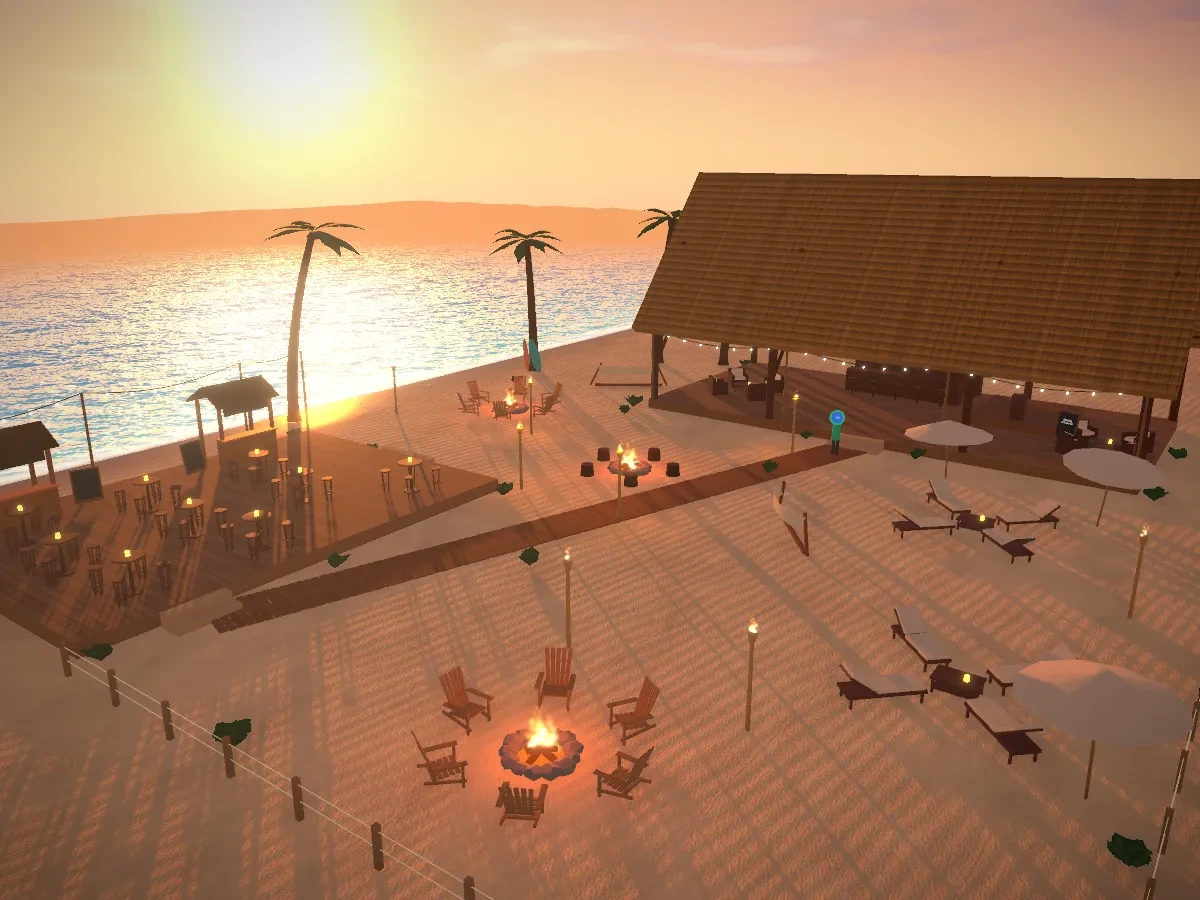
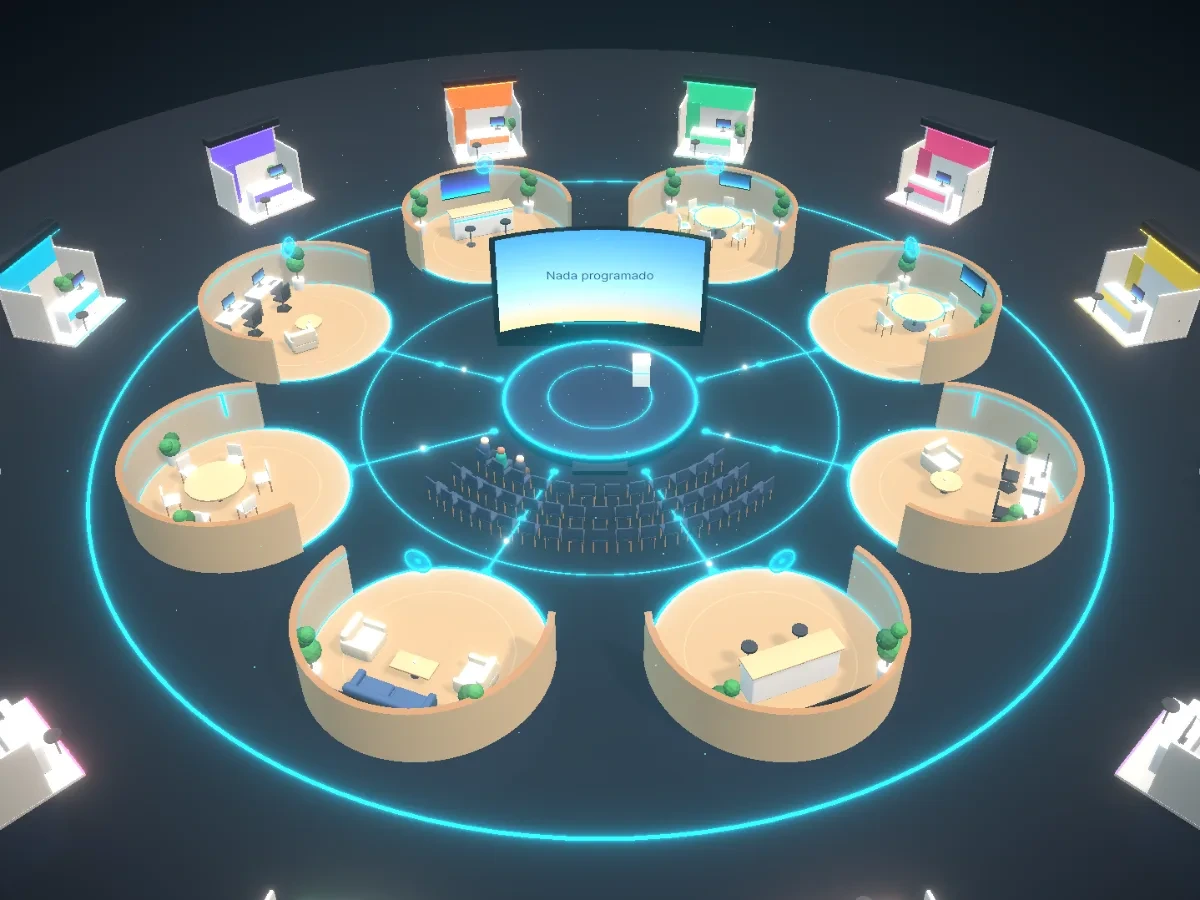
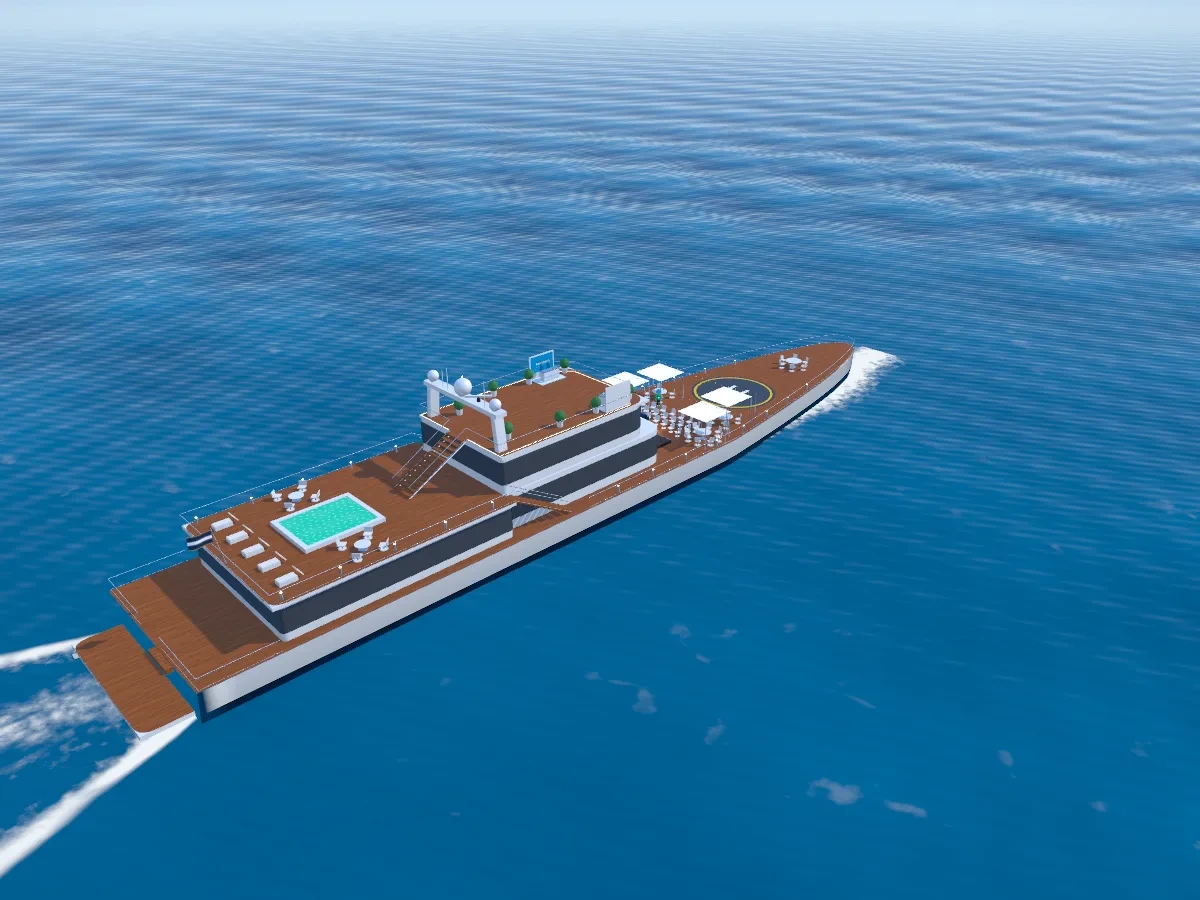
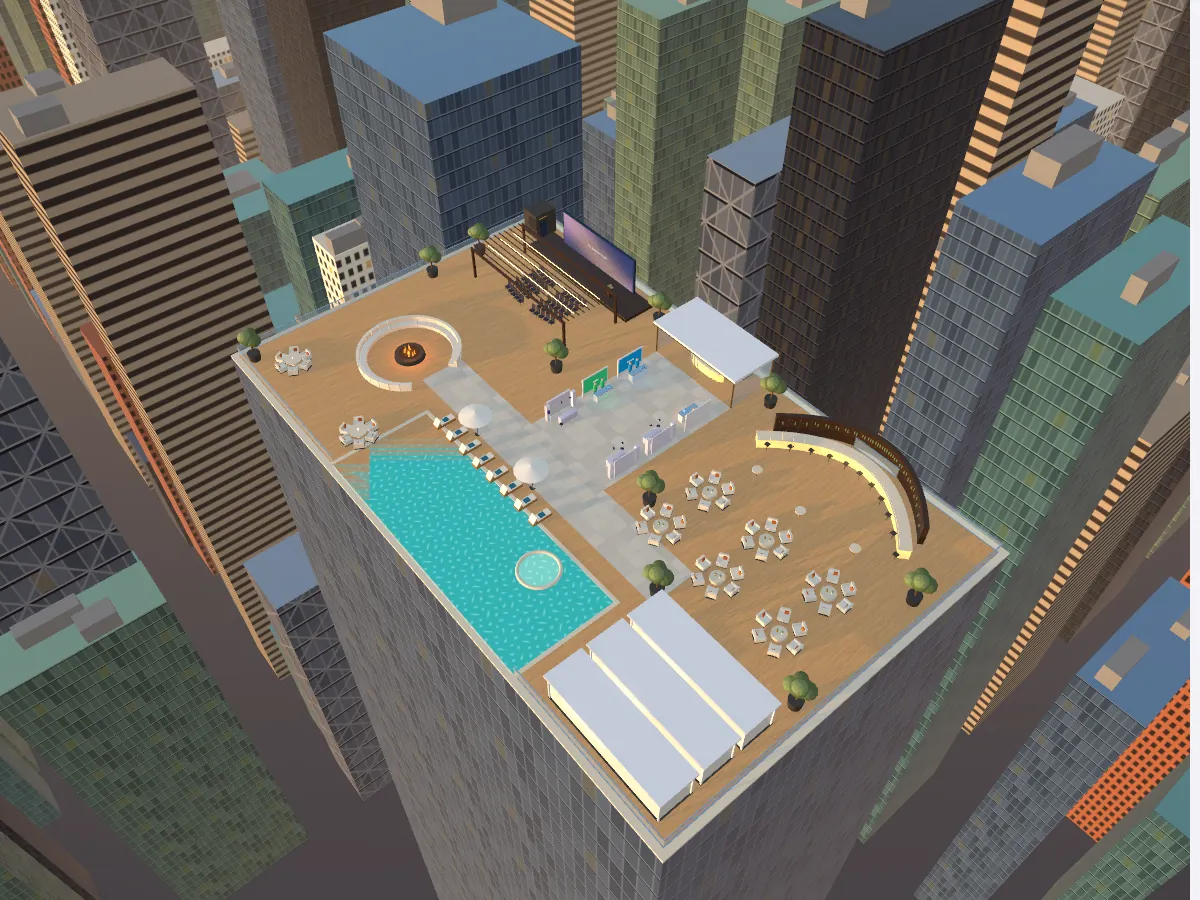
Set up your event in three steps
Every step saves as you go, so you can publish today or come back and finish later. A pre-flight check shows what is left before the publish button opens.
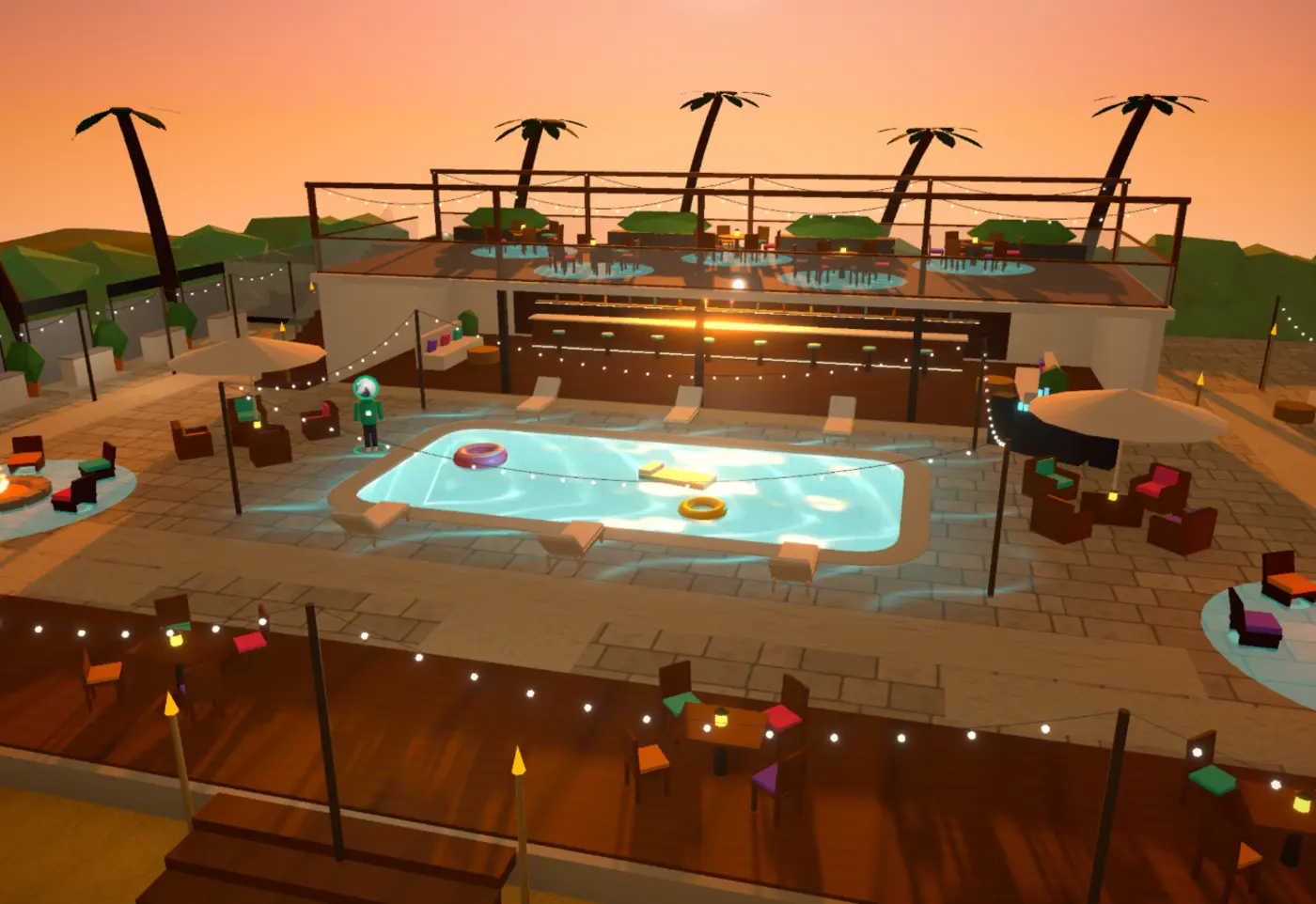
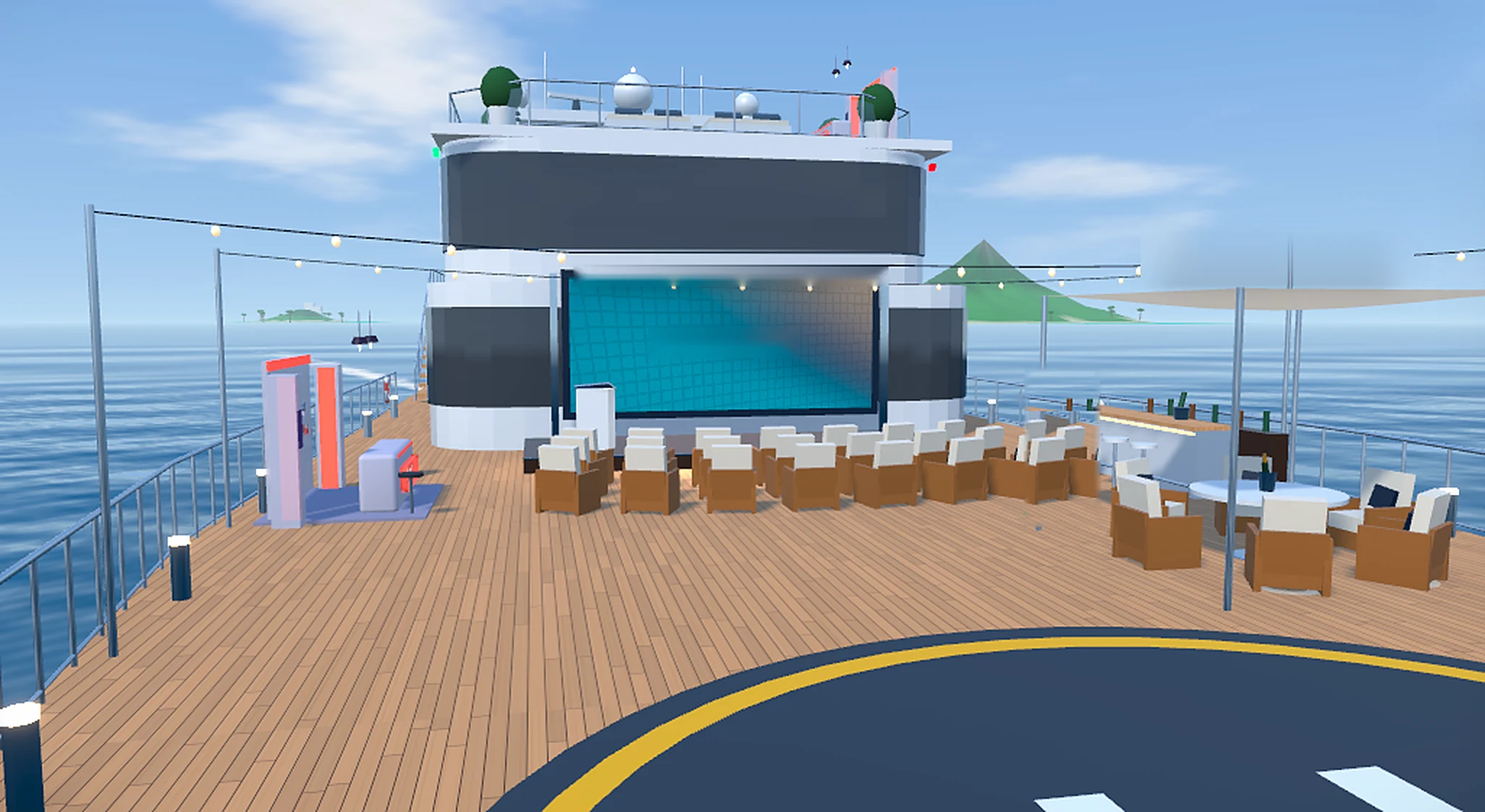 Main stage
Every guest who walks in is counted in your studio
From the first arrival to the last meeting, the numbers add up on their own: who registered, who is in the lobby right now, who set their intent and got matched, and how many introductions became a confirmed meeting. Booth visits and leads are counted for your sponsors too.
- Who registered and who is in the lobby now
- Intros requested and meetings confirmed, in one funnel
- Booth visits and leads across your sponsor booths
Your floor is open to sponsors from the start
Unless you lock the hall, vendors already on Mingling can book a 3D booth in your event on their own. There are no sponsors to chase and no booths to build, and your guests get more to visit.
- Vendors set up their own booth with their logo, video and team
- Assign any vendor to a booth slot from your studio
- Visits and leads for every booth show up in your overview
Lock the hall in step two and the floor stays yours. Give each of your sponsors a booth, or keep the hall private with no outside vendors at all.
 A guest is visiting the booth
Follow every guest from sign up to a real meeting
Your organizer studio shows who registered, who set up their profile, the intros they asked for and the meetings that happened. Switch tabs to manage your 3D floor and your stage.
Visits counted for each zone of your floor, never per person.
An illustration of the studio. Your own event fills it with real numbers.
Questions organizers ask before hosting
Yes. Creating and publishing an event on Mingling is free, and the setup saves as you go, so you can publish the same day or come back later. Your guests join with a free Mingling account. Paid options only come in when you choose them, such as locking your hall for your own sponsors. The pricing page lists everything.
Yes. In the last setup step choose External Ticket Link and paste your Luma, Eventbrite, Meetup or website registration link, so guests register where you already sell. You can also paste that link at the very start to fill in your event details. Or use the free Mingling pass, where guests register in one click and get a digital pass.
Your floor is open to sponsors by default, so vendors already on Mingling can book a 3D booth in your event on their own and set it up with their logo, video and team. If you bring your own sponsors, lock the hall in step two. Either way, your studio shows visits and leads for every booth.
Paste a Zoom, YouTube Live or Google Meet link as your main stage broadcast link, and it appears on every guest ticket. In the Agenda and stage tab you build the timeline from sessions, breaks and mingling rounds, or let Mingling draft an agenda that you then edit. The studio reminds you if the stream link is still missing.
The overview shows who registered and is in the lobby, who activated their profile, the intros guests asked for and the meetings they confirmed, in one conversion funnel. It also shows booth visits and leads, and activity for each zone of your venue. You can share your event link and download a CSV at any time.
Yes. Choose Hybrid when you create the event: you host at your own venue, and everyone joining online meets in the 3D venue with the same stage, tables and booths. Choose 3D Virtual when everyone joins online. Either way, guests register the same way and you follow the whole event from one organizer studio.
Your guests need a web browser, a camera and a free Mingling account, with nothing to download. The 3D venue works on laptops and phones. They walk in as an avatar, watch the main stage, sit down at a networking table of up to six people and can book one to one meetings with other guests.
Yes. From the 3D Venue tab in your studio you can open a new networking table or close one while the event runs, and every table seats six guests on camera. You can also rename the zones on your floor plan, such as the main stage, networking area or registration, and switch preset zones on.




Open the doors to your next event
Build your 3D world, open the floor to sponsors and publish when the pre-flight check turns green. It takes a few steps, and you can save and finish later.